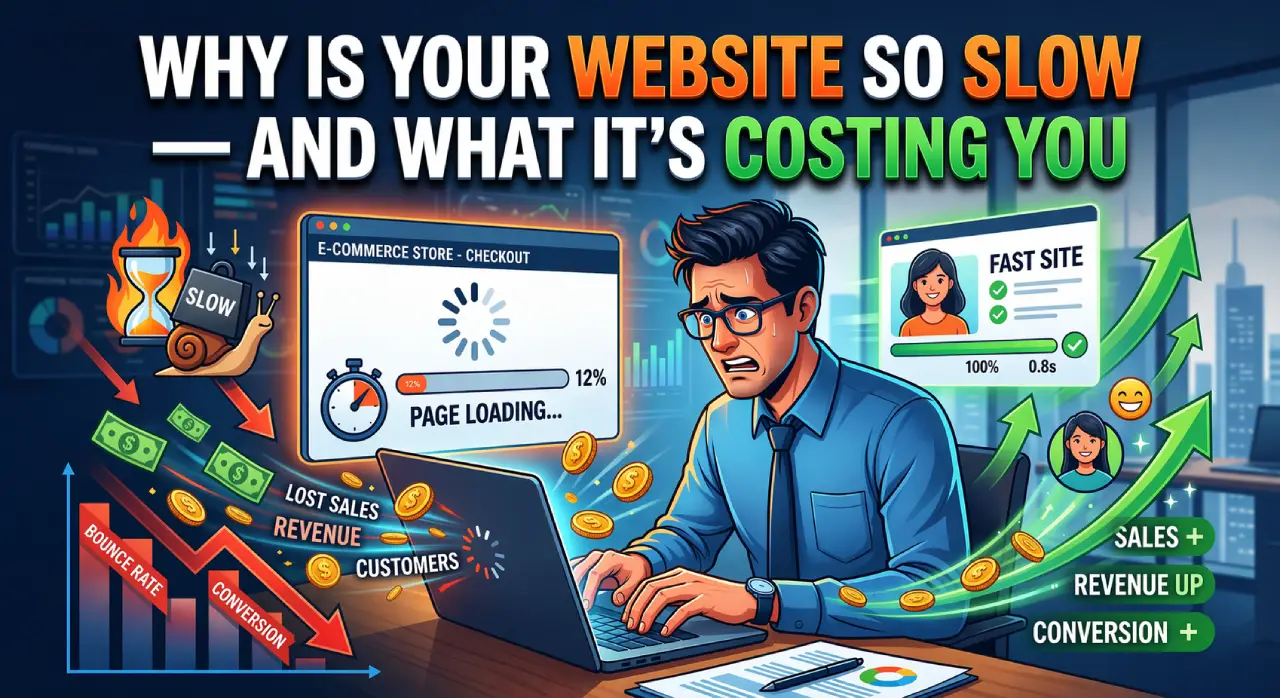
Why your website is slow is one of the most common problems in modern web development.
A slow website is one of the most common problems in modern web development. You might have a great design and good content, but if your website takes too long to load, users will leave before they even see it.
Website speed is not just a technical issue — it directly affects user experience, engagement, and overall performance.
If you’re wondering why your website is slow, it’s usually caused by multiple performance issues working together.
“A fast website isn’t a luxury. It’s the minimum standard your customers expect in 2026.”
Top Reasons Why Your Website Is Slow
Heavy and Unoptimized Images
One of the biggest reasons why your website is slow is large image sizes.
High-resolution images that are not optimized can significantly increase loading time.
What happens:
- Pages take longer to load
- Increased bandwidth usage
- Poor user experience
Solution:
- Compress images before uploading
- Use modern formats like WebP
- Implement lazy loading
Too Many Plugins or Scripts
Adding too many plugins (especially in WordPress) can slow down your website.
Each plugin loads additional scripts and styles, which increases load time.
What happens:
- Conflicts between plugins
- Increased server requests
- Slower performance
Solution:
- Remove unused plugins
- Use lightweight alternatives
- Combine and minify scripts
Poor Hosting Performance
Your hosting provider plays a major role in website speed.
Cheap or overloaded servers can lead to slow response times.
What happens:
- Delayed server response
- Downtime issues
- Inconsistent performance
Solution:
- Use reliable hosting
- Consider VPS or cloud hosting
- Enable server-level caching
Lack of Caching
Without caching, your website loads everything from scratch every time a user visits.
What happens:
- Slower repeat visits
- Increased server load
Solution:
- Enable browser caching
- Use caching plugins
- Implement CDN (Content Delivery Network)
Unoptimized Code
Messy or unused code can slow down your website significantly.
This includes:
- Unused CSS
- Excess JavaScript
- Poorly written backend logic
Solution:
- Minify CSS and JavaScript
- Remove unused code
- Follow clean coding practices
Too Many HTTP Requests
Every element on your page (images, scripts, fonts) creates a request.
More requests = slower loading.
Solution:
- Reduce unnecessary elements
- Combine files where possible
- Use optimized themes
Why Speed Matters in Development
From a development perspective, performance is a key part of building a successful website.
A fast website:
- Improves user experience
- Keeps visitors engaged
- Reduces bounce rates
Understanding why your website is slow is the first step to improving your website performance.
How to Check Your Website Speed
You can test your website using tools like Google PageSpeed Insights or GTmetrix. These tools help you identify what is slowing down your website and provide suggestions to improve performance.
How to Improve Website Speed Effectively
If you understand why your website is slow, the next step is fixing it with the right approach. Improving website speed doesn’t require complex changes — small optimizations can make a big difference.
Start by optimizing your images, reducing unnecessary plugins, and using a reliable hosting provider. These are the most common factors that affect website performance.
You can also use tools like Google PageSpeed Insights or GTmetrix to analyze your website. These tools help identify specific issues and provide suggestions to improve loading speed.
Regularly monitoring your website performance ensures that your site stays fast, efficient, and user-friendly.
Conclusion
Website speed is not caused by a single issue — it is usually a combination of multiple factors.
By understanding these common problems, you can identify what’s slowing down your website and take the right steps to improve it.